Chapter 1
The direct answer: convert each email into one visual lesson
To turn SaaS onboarding emails into carousel content, extract the one user action each email teaches, then rebuild it as a visual sequence: why it matters, what to do, what the screen looks like, what result to expect, and what to try next. Do not paste the full email into a carousel.
Onboarding emails usually map to strong social topics: setup, first win, feature discovery, common mistake, integration, use case, and advanced tip. Each topic can become an Instagram carousel, LinkedIn carousel, TikTok slideshow, or help-center visual.
Nielsen Norman Group's onboarding guidance warns against generic tutorials that interrupt and are forgotten. Repurposed onboarding content should stay contextual. Teach a task users already care about rather than broadcasting a tour.
Callout
Repurposing rule
The email is source material, not slide copy. Rewrite for swipe behavior.
Chapter 2
Audit the email sequence for public lessons
Start by listing every onboarding email and labeling its job: welcome, setup, activation, feature discovery, proof, upgrade, team invite, integration, or retention. Then decide which jobs can help non-users and users on social.
Some emails are too account-specific to become public content. Others are perfect. A setup email can become a first-use carousel. A feature discovery email can become a TikTok slideshow. A customer story email can become social proof with permission.
Welcome email: brand promise and first step.
Setup email: first-use tutorial.
Feature email: one workflow explainer.
Integration email: connection checklist.
Proof email: customer story or result carousel.
Upgrade email: value comparison or use-case education.
Chapter 3
A 7-slide onboarding-email carousel template
Use this structure for most email-to-carousel conversions. It keeps the lesson focused and avoids the common mistake of turning each email paragraph into a slide.
- 1
Slide 1: Outcome
What the user will be able to do after following the lesson.
- 2
Slide 2: Why it matters
The pain or missed value if they skip this step.
- 3
Slides 3-5: Workflow
One action per slide, with screenshot crops or simple diagrams.
- 4
Slide 6: Result
Show the completed state, output, or improved workflow.
- 5
Slide 7: Next action
Invite the user to try the workflow, read the full guide, or start the app.
Chapter 4
Adapt the same onboarding lesson by platform
The same onboarding lesson can be adapted for Instagram, LinkedIn, TikTok, and help-center visuals. Instagram works well for saveable tutorials. LinkedIn works when the workflow solves a business problem. TikTok slideshows work when the lesson can be shown quickly through screenshots and short text.
LinkedIn's carousel guidance emphasizes connected narrative and clear CTAs. That is useful for onboarding content because each card should move the user toward a completed action.
Instagram: saveable step-by-step lesson.
LinkedIn: business problem, workflow, result, CTA.
TikTok: fast hook, short steps, result, try-it CTA.
Help center: more detail, edge cases, and screenshots.
Email: personal reminder and account-specific link.
Chapter 5
Measure repurposed onboarding content by activation
Repurposed onboarding content should be measured by more than reach. Track saves, comments with setup questions, clicks, feature activation, support-ticket reduction, and whether new users complete the workflow faster.
If a social carousel reduces repeated onboarding questions, it is valuable even if it does not go viral. SaaS education content often wins through clarity and reuse rather than raw reach.
- 1
Pick one activation action
Example: connect account, create first campaign, invite teammate, export report, or schedule first post.
- 2
Map content to that action
Each carousel should teach a workflow you can recognize in product analytics or support patterns.
- 3
Update the email
If the carousel explains the concept better than the old email, improve the email too.
Chapter 6
How AttentionClaw helps repurpose onboarding emails
AttentionClaw can turn onboarding email copy, screenshots, and activation goals into social-ready carousels and TikTok slideshows. The team provides the lesson and proof assets. The tool helps create consistent visual versions for each platform.
This turns onboarding from a private email sequence into a public content library that supports acquisition, activation, and support.
Callout
Workflow tip
For every onboarding email, create one public carousel and one short slideshow if the lesson is visual enough.
Chapter 7
Five rules for translating an onboarding email into a carousel without losing the point
Onboarding emails and carousels have different jobs. An email arrives in context — the user just signed up, the product is open in another tab, and the sequence builds over days. A carousel is encountered cold, often by someone who has not yet signed up, and has to deliver value in fifteen seconds of swipes. The translation fails when it is treated as a copy-paste exercise.
Rule one: extract the one action the email was designed to drive, not all the content in the email. An email that explains a feature and then asks the user to connect their account should become a carousel about why connecting that account is worth the minute it takes. Rule two: replace feature names with outcomes. 'Set up your integration' is less useful than 'once this is connected, your [result] happens automatically.' Rule three: show the UI in the visual, not in the caption. If the email had a screenshot, use a clean version of that as a slide visual. Rule four: end on the action, not the feature. The last slide should name one thing the reader can do right now. Rule five: the public carousel version should work for people who have not signed up yet — rephrase any 'you should have already done X' language into 'here's why users do X first.'
Following these rules consistently also gives you a reliable content system: each onboarding email maps to one carousel, which means a six-email onboarding sequence becomes six pieces of social content with a clear logical arc.
Chapter 8
A worked example: turning a feature discovery email into a carousel
Suppose your onboarding sequence includes an email sent on day three with the subject 'Did you know you can automate X?' The email explains the automation feature, shows a GIF of the setup flow, and ends with a button to 'Set it up now.' Here is how to translate it into a carousel that works publicly.
Slide 1 (hook): 'Most new users skip this step — and then manually do it every single time.' Slide 2: 'Once you connect [integration], [the result] happens automatically every time [trigger event].' Slide 3: 'Here's the setup: [screenshot of the relevant settings screen, annotated with one or two callouts].' Slide 4: 'It takes about two minutes. After that you never have to think about it.' Slide 5: 'The most common reason people skip it: they don't realize it's there. Now you do.' Slide 6: 'Try it free at [link] — or if you're already a user, it's in Settings > [location].'
Notice that the carousel works for both prospects (slide 6's free trial CTA) and existing users who haven't found the feature yet (slide 6's settings path). That dual audience makes repurposed onboarding content unusually efficient — it generates both acquisition and activation from the same post.
Chapter 9
What to do when your onboarding emails have gaps or outdated content
Before repurposing your onboarding sequence, audit it for gaps and outdated material. An email that still references a UI flow that changed six months ago will create a carousel that confuses both new users and prospects. An email that was written for a persona you no longer target will produce content that does not resonate with your current audience.
A practical audit step: read each email and ask two questions. Does this accurately describe how the product works today? Does the action this email teaches still represent how your best users succeed in the first week? If the answer to either is no, update the email first, then repurpose it. Creating social content from a broken onboarding email amplifies the confusion rather than solving it.
Gaps in the sequence — stages of the user journey that no onboarding email currently covers — are opportunities to create new content that can later become an email. The repurposing process works in both directions: emails become carousels, and high-performing carousels that cover a gap can be adapted back into an email or an in-app tooltip.
Next step
Turn onboarding emails into public product education
AttentionClaw helps SaaS teams convert onboarding emails, screenshots, and activation goals into carousels and TikTok slideshows.
Common Questions
FAQ
More Reading
Keep reading
9-chapter read
SaaS Migration Objection Instagram Carousels: Answer Switching Fear Before the Demo
SaaS migration-objection carousels should answer switching anxiety around data import, integrations, permissions, security review, timeline, and stakeholder buy-in before the prospect reaches the demo.
8-chapter read
SaaS Trial Activation Carousel Campaign
A SaaS trial activation carousel campaign should teach the first useful workflow, not promote every feature. Create a sequence around setup, first win, common mistake, proof, advanced tip, and next action. Measure the campaign by feature activation and trial quality, not likes.
10-chapter read
How to Turn an Email Sequence Into Social Content
An email sequence becomes social content when each email's job is mapped to a native asset: problem, belief shift, proof, objection, tutorial, and CTA.
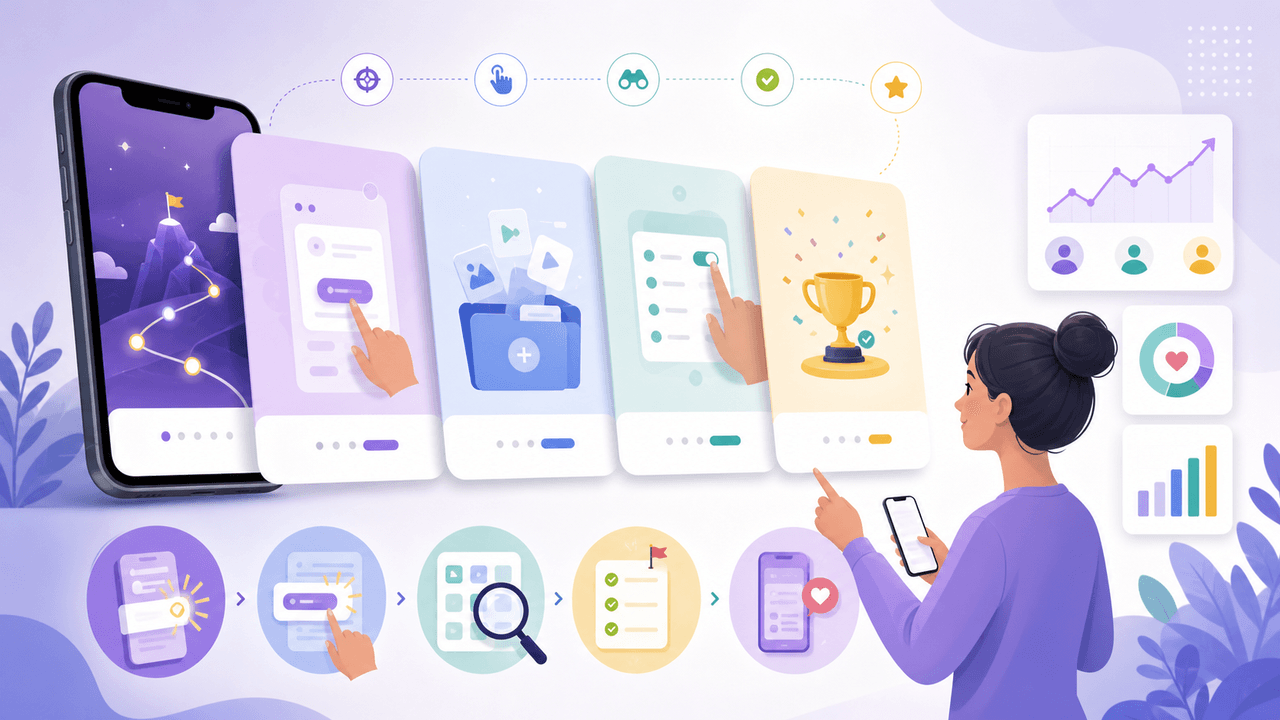
App Onboarding Carousels: Turn New Users Into Power Users With Instagram Content
Most apps lose 75% of new users within the first week because users never discover the features that would make them stay. Onboarding carousels published on Instagram solve this by teaching new users how to get value from your app in a format they are already consuming daily.
7-chapter read
How to Explain a Complex App Feature in Five Carousel Slides
To explain a complex app feature in five carousel slides, show the user's situation, the hidden friction, the simple mental model, the feature workflow, and the result. Do not start with the architecture or settings. Start with the decision the user needs to make and end with the next action.
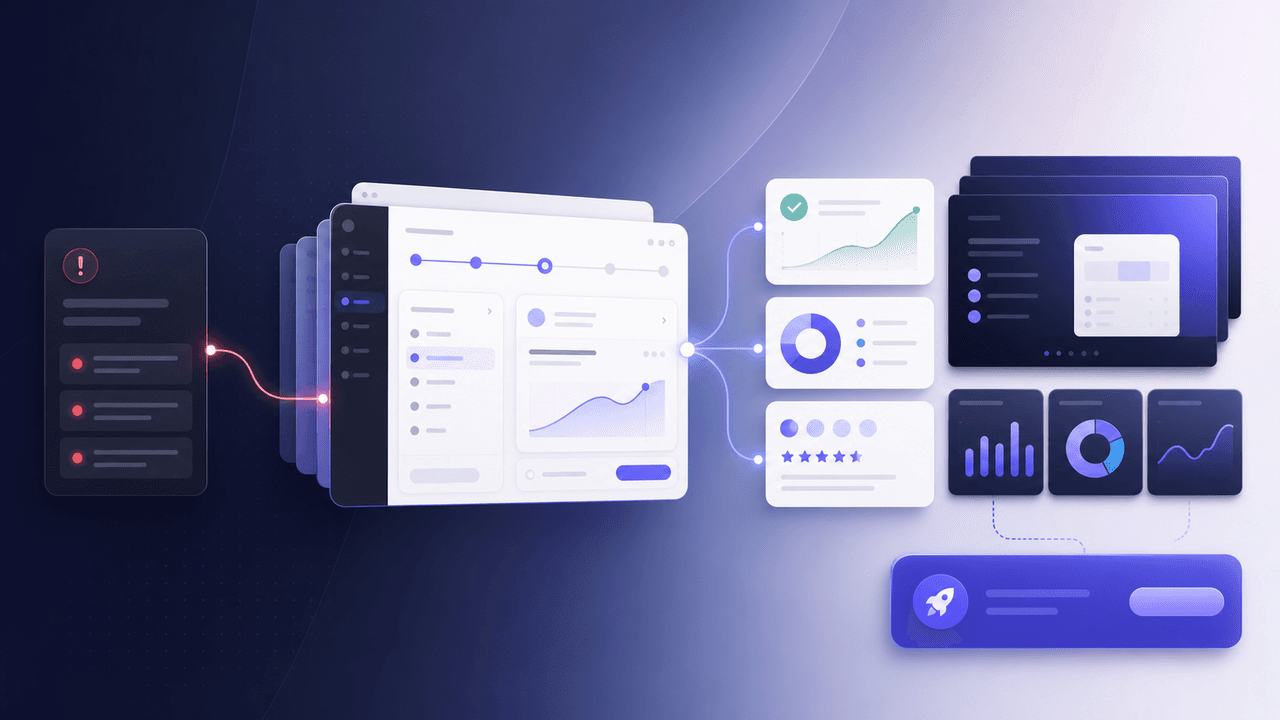
SaaS Demo Carousels: Turn Product Workflows Into Social Content
A SaaS demo carousel should show one buyer problem, one workflow, one visible result, and one next action. It is not a feature tour. The best SaaS demo carousels translate product screens into a short buyer story: before state, decision point, guided workflow, proof of outcome, and CTA.
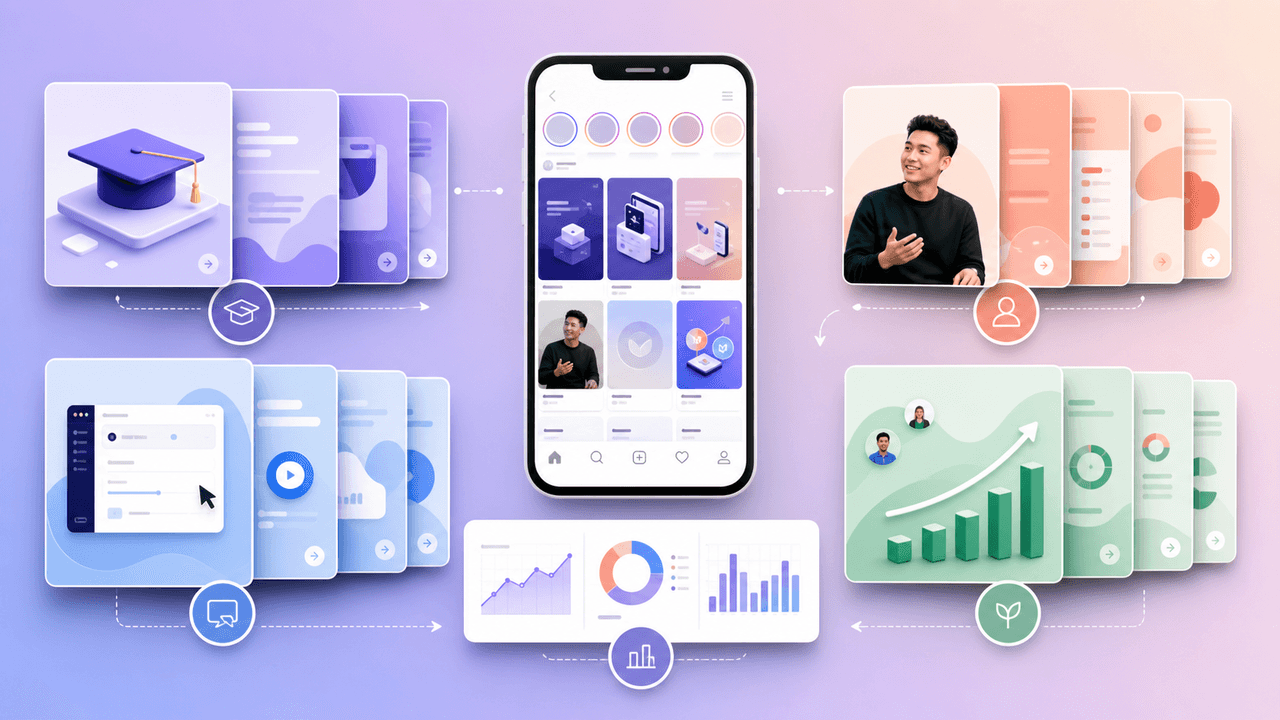
Build SaaS carousels from evidence, not a posting formula
A useful SaaS Instagram strategy turns product knowledge and customer evidence into focused carousel series, then evaluates each series with the metrics available in that account instead of relying on universal posting formulas.
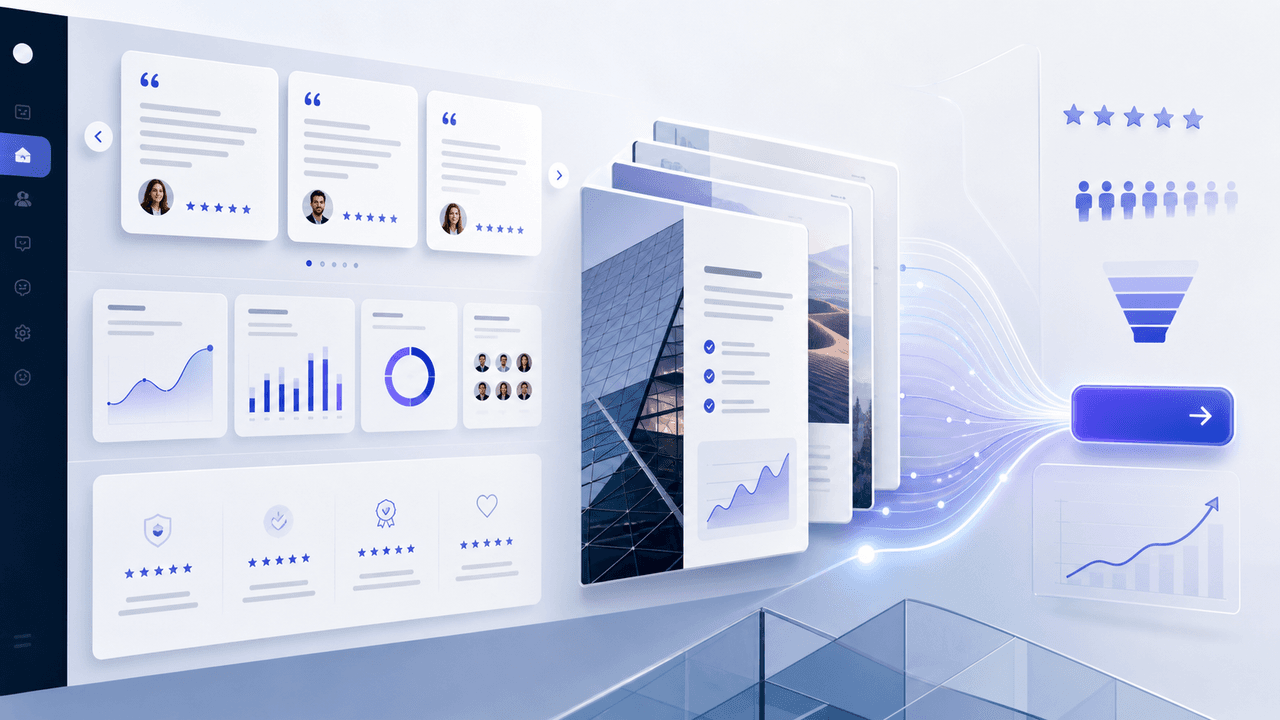
SaaS Social Proof Carousels: Turn Metrics and Testimonials Into Sign-Ups
Testimonials buried on your website convert nobody. The same testimonials reformatted as carousels and distributed on social media can become your highest-converting content type. This playbook shows you how.
Turn one SaaS decision into a useful LinkedIn document
A SaaS LinkedIn carousel strategy should treat the format as a native document post: build one useful professional argument, assemble and verify the document before upload, and measure it with LinkedIn's available post analytics rather than a promised cadence or lead formula.
Sources
- Onboarding Tutorials vs. Contextual Help — Nielsen Norman Group
- A B2B Marketer's Guide to Every LinkedIn Ad Type — LinkedIn Marketing Solutions
- Creating helpful, reliable, people-first content — Google Search Central
Written by
AttentionClaw
Editorial Team
Editorial context
Part of the Repurposing topic cluster. Last updated June 22, 2026.