Chapter 1
The direct answer: sell the migration plan, not magic
A SaaS migration objection Instagram carousel should explain what prospects need to check before switching: current tools, data export options, required integrations, user roles, security review, rollout timeline, and success criteria.
Do not claim instant migration, zero risk, or complete compatibility unless the product team can support it. FTC advertising guidance applies to objective performance and product claims.
The strongest post turns a vague fear into a demo agenda: bring your current workflow, list the systems that matter, and ask the migration questions before buying.
Callout
SaaS content rule
Replace switching anxiety with a concrete evaluation checklist and a demo CTA.
Chapter 2
Build from migration objections sales hears every week
Common objections include data loss, broken integrations, retraining the team, admin permissions, implementation time, security review, and whether the new system can match an old workflow.
A carousel can separate what is known from what needs discovery. That is more credible than promising 'seamless migration' to every account.
Security-sensitive claims should align with actual documentation and review processes. Use public trust-center or security-questionnaire language only when accurate.
What data must move?
Which integrations are required on day one?
Who needs admin or approval access?
What security review is required?
What workflow can change and what cannot?
What does success look like after 30 days?
Chapter 3
Use a seven-slide migration objection carousel
The carousel should be specific enough that a buyer can self-qualify the demo agenda.
Use product screenshots only when they are current and approved. Outdated UI screenshots create trust debt.
- 1
Slide 1: objection hook
Start with 'We want to switch, but migration sounds painful.'
- 2
Slide 2: data
Ask what needs to be imported, exported, archived, or recreated.
- 3
Slide 3: integrations
List the systems that must keep working.
- 4
Slide 4: people
Identify admins, reviewers, operators, and executive buyers.
- 5
Slide 5: security
Route security and privacy questions to the correct docs or sales engineer.
- 6
Slide 6: rollout
Explain pilot, implementation, and success-metric planning.
- 7
Slide 7: CTA
Book a migration-focused demo and bring the checklist.
Chapter 4
Set product, privacy, and security claim guardrails
Migration claims often imply compatibility and performance. Keep them bounded to actual product capabilities, documented integrations, and supported onboarding processes.
If the product handles personal data, privacy, permissions, or regulated workflows, use reviewed language. Do not answer account-specific security questions in public comments.
NIST cybersecurity resources are useful context for security communication, but the carousel should point prospects to your real security review path.
No unsupported one-click migration claims.
No universal integration promises.
No public security questionnaire answers in comments.
Use current screenshots.
Route technical fit to demo or sales engineering.
Chapter 5
How AttentionClaw helps SaaS teams create objection content
AttentionClaw can turn sales-call objections, migration docs, implementation checklists, product screenshots, and security-approved copy into Instagram carousels.
The same structure can produce posts for data import, integrations, admin setup, team rollout, permission mapping, and migration success metrics.
Product and sales teams control claim accuracy. AttentionClaw keeps the buying education visually digestible.
Callout
SaaS workflow
Pick one objection, draft a checklist, verify product claims, add current visuals, publish with a demo CTA.
Chapter 6
Measure demo quality and fewer repeated objections
Measure demo bookings from the post, migration questions submitted before calls, sales-cycle friction, and whether prospects arrive with better technical context.
If the carousel attracts likes but not qualified demos, make the CTA more explicit: 'Book a migration demo and bring this checklist.'
Migration-demo bookings.
Pre-demo checklist completions.
Security-review questions routed correctly.
Sales-call objection frequency.
Trial activation after migration content.
Chapter 7
Tailoring Migration Objection Content by Buyer Role
Migration objections do not come from one person — they come from multiple stakeholders with different concerns. The IT administrator worries about data export formats, API compatibility, and downtime windows. The department manager worries about team retraining time and workflow disruption. The finance lead or procurement contact worries about contract overlap costs and total cost of transition. A carousel that addresses a single generic objection misses the decision-layer complexity that kills most SaaS deals.
Content that names the role before naming the objection converts better because it signals that you understand who is actually in the room. A slide that opens with 'If you're the IT lead reviewing this' or 'If your manager is asking about retraining time' frames the objection in recognizable terms and shows the company has seen this scenario before. This is especially effective in mid-market and enterprise-adjacent deals where multiple people must sign off.
You do not need to create entirely separate carousels for each role. A single carousel can address three or four role-specific concerns across sequential slides, with a final slide that invites each stakeholder to bring their specific question to the demo. That format works well as a pre-demo content piece shared by a sales rep in a follow-up sequence.
IT / ops: data export compatibility, API downtime, permission migration, security review timeline
Department manager: retraining scope, feature parity, workflow disruption during transition window
Finance / procurement: contract overlap costs, implementation fees, total cost of switch
End user: interface change, muscle memory disruption, whether current shortcuts and integrations carry over
Chapter 8
Using a Migration Timeline Post to Reduce Deal Stall
One of the most common reasons SaaS deals stall after a positive demo is that the prospect cannot visualize what implementation actually looks like in their environment. They are not unconvinced; they are uncertain about the effort required. A migration timeline post addresses this directly by showing a realistic sequence of steps between signing and going live.
The most credible format is not a polished promise but an honest breakdown with phase names and rough durations. Phase one covers data export and mapping (typically 1–2 weeks depending on data volume and format). Phase two covers configuration and permissions setup. Phase three covers integration testing. Phase four covers team onboarding and training. Phase five covers go-live with a defined support window. Showing this sequence as a visual slide — even if approximate — converts timeline uncertainty into a manageable project plan.
The key guardrail: every timeline post should carry a qualifier noting that actual implementation time depends on data volume, integration complexity, and internal resourcing. Prospects respect honesty about variability more than an overpromised go-live date. Unrealistic timeline claims in marketing content become liability when the implementation takes longer than the carousel suggested.
- 1
Phase 1: Data export and mapping
Work with the prospect to identify what data needs to migrate, what format the current tool exports in, and what the destination format requires. Typical range: 1–2 weeks.
- 2
Phase 2: Configuration and permissions
Set up account structure, user roles, and permission levels before any data lands in the new tool. Prevent a chaotic first week.
- 3
Phase 3: Integration testing
Test every integration the team depends on in a sandboxed environment before switching production workflows. This is where blockers surface — early is better.
- 4
Phase 4: Team onboarding
Train the team on changed workflows before go-live, not after. Even 90-minute sessions reduce first-week friction and support ticket volume.
- 5
Phase 5: Go-live with support window
Define a dedicated support window (typically 30 days post-go-live) so the team knows help is available during the adjustment period.
Chapter 9
Addressing the Security Review Objection Before It Stalls the Deal
For SaaS tools that handle sensitive data, the security review objection is often the longest deal-stall trigger. A prospect's IT or security team needs documentation — certifications, data residency details, subprocessor lists, penetration test summaries — before they will approve the tool for company use. Many deals that go quiet after a positive demo are waiting for this documentation request to be fulfilled.
A carousel that explains proactively what documentation is available, how to request it, and what the typical security review process looks like positions the sales team as a prepared partner rather than an obstacle. Slides might cover: what certifications the product holds and what they mean, what data the tool stores and for how long, how to request a security questionnaire response or access to the trust center, and who the right contact is for security review conversations.
This kind of content is most effective when shared directly by sales reps as part of a deal sequence, but it also performs well organically with technical buyers who follow product accounts. A saved carousel from a security review post can be shared internally by a champion trying to move the deal forward at their own company.
Callout
What to include in a security objection carousel
Slide 1: Name the barrier ('Security reviews add time — here's how to move through ours faster'). Slide 2: What certifications or audit reports are available. Slide 3: What data the tool stores, retains, and processes. Slide 4: How to request documentation (trust center, direct contact). Slide 5: What a typical review timeline looks like. Slide 6: Who to contact for review questions. Slide 7: CTA to start the process.
Next step
Turn SaaS objections into demo-ready carousels
AttentionClaw helps SaaS teams package migration questions, product screenshots, and approved claim language into carousels that prepare buyers for better demos.
Common Questions
FAQ
More Reading
Keep reading
9-chapter read
Turn SaaS Onboarding Emails Into Carousel Content
SaaS onboarding emails can become strong carousel content when each email is translated into one public lesson: first setup, first win, feature discovery, mistake correction, or advanced tip. Do not paste email copy into slides. Rewrite it as a visual workflow with one action per frame.
8-chapter read
Carousel Slide Order That Converts: Hook, Proof, Offer, CTA
A converting carousel usually follows a clear order: hook, context, problem, solution or product, proof, objection handling, offer, and CTA. The exact slide count can change, but the reader should never wonder why the next slide exists.
8-chapter read
Instagram Carousel Ads for SaaS Lead Generation
Instagram carousel ads for SaaS lead generation should qualify the buyer early, teach one useful framework, prove the workflow, and send the click to a matched lead magnet, demo, or trial page.

SaaS Demo Carousels: Turn Product Workflows Into Social Content
A SaaS demo carousel should show one buyer problem, one workflow, one visible result, and one next action. It is not a feature tour. The best SaaS demo carousels translate product screens into a short buyer story: before state, decision point, guided workflow, proof of outcome, and CTA.

Build SaaS carousels from evidence, not a posting formula
A useful SaaS Instagram strategy turns product knowledge and customer evidence into focused carousel series, then evaluates each series with the metrics available in that account instead of relying on universal posting formulas.

B2B Carousel Content That Generates Leads (Not Just Impressions)
Most B2B carousels generate impressions but zero leads because they are built for engagement, not conversion. This guide shows you how to design every slide with lead generation as the end goal.
The Software Feature Carousel Framework: Show Don't Tell
Feature announcement carousels that just list bullet points fail because they tell instead of show. This framework turns product capabilities into visual stories that make prospects feel what the product does, not just understand it.

SaaS Social Proof Carousels: Turn Metrics and Testimonials Into Sign-Ups
Testimonials buried on your website convert nobody. The same testimonials reformatted as carousels and distributed on social media can become your highest-converting content type. This playbook shows you how.
Turn one SaaS decision into a useful LinkedIn document
A SaaS LinkedIn carousel strategy should treat the format as a native document post: build one useful professional argument, assemble and verify the document before upload, and measure it with LinkedIn's available post analytics rather than a promised cadence or lead formula.
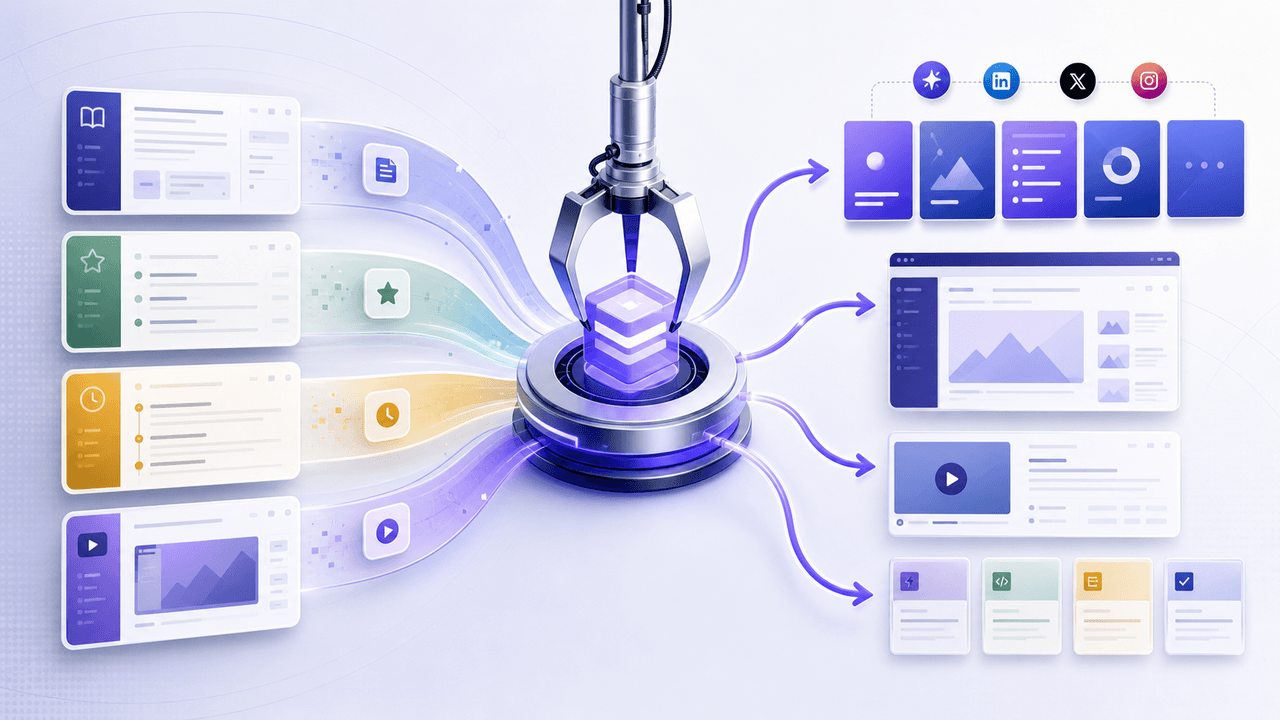
SaaS Content Repurposing: Turn Docs, Blogs, and Changelogs Into Carousels
SaaS companies sit on mountains of existing content — docs, blogs, changelogs, support articles — that could become dozens of carousels. The problem is not a lack of ideas. It is the lack of a system to extract and reformat that content efficiently.
Sources
- FTC Policy Statement Regarding Advertising Substantiation — Federal Trade Commission
- Advertising and Marketing Basics — Federal Trade Commission
- Cybersecurity Framework — National Institute of Standards and Technology
- About Carousel Ads — Meta Business Help Center
Written by
AttentionClaw
Editorial Team
Editorial context
Part of the Carousel Creation topic cluster. Last updated June 22, 2026.