Chapter 1
Bonuses are proof of implementation support
Course bonuses are often treated as extra value during launch week. But the best bonuses reveal how the course helps people implement: templates, checklists, recordings, swipe files, worksheets, and examples.
That makes them useful source material for social content. A bonus can show a common mistake, a decision shortcut, a faster first step, or a concrete example of the course method.
The key is to preview the implementation value without giving away the full asset. Public content should teach the first step and show why the bonus matters.
Template bonus becomes a usage carousel.
Checklist bonus becomes a saveable preview.
Recording bonus becomes a lesson clip or recap.
Swipe file bonus becomes a pattern post.
Worksheet bonus becomes a prompt post.
Example bonus becomes proof content.
Chapter 2
Map each bonus by buyer question
- 1
What blocker does it remove?
A bonus should solve a real implementation blocker, not exist only to inflate the offer.
- 2
When should students use it?
Connect the bonus to a module, lesson, or launch stage.
- 3
What mistake does it prevent?
Mistake prevention is often the strongest social angle.
- 4
What can be previewed safely?
Choose one section, prompt, or example that proves value without replacing the full bonus.
- 5
What next action fits?
Point to the course, waitlist, sample lesson, or related workflow depending on reader intent.
Chapter 3
Turn bonus templates into carousels
The best carousel from a bonus template explains when to use it and how to start. Do not screenshot the whole template. Teach the decision behind it.
Meta's carousel guidance is useful because each card should have one job. Use slide one for the blocker, slide two for the wrong default, slide three for the template's purpose, slides four through six for a filled example, slide seven for the caveat, and slide eight for the CTA.
This makes the bonus feel practical without devaluing the full course.
Chapter 4
Turn bonus recordings into clips and summaries
Bonus recordings often contain Q&A, walkthroughs, and examples that can become social assets. Treat them like transcripts: extract claims, examples, objections, and action steps.
YouTube posts can include polls, quizzes, text, images, and video. Use posts to ask which bonus lesson the audience wants previewed next or which implementation blocker matters most.
Keep member-only or student-only recordings private unless the preview has been planned as a public asset.
Chapter 5
Use bonuses to explain the course offer
Bonus content is often most useful during a launch because it explains how the offer supports implementation. Instead of saying 'includes five bonuses,' show what each bonus helps the student do.
Mailchimp's lead magnet guidance is relevant by analogy: people exchange attention or contact details when they believe a resource will help them. Course bonus content should make the resource's practical value clear before the CTA.
A strong launch asset might say, 'This checklist exists because students usually get stuck after lesson two. Here is the first checkpoint.'
Chapter 6
Avoid bonus inflation in public content
If every bonus is promoted as essential, the course offer can feel inflated. Public content should explain the role of the bonus honestly: shortcut, reference, example, implementation aid, or advanced support.
Google's people-first content guidance is a useful standard. Do not use bonuses as hype. Use them to help the reader understand a real implementation problem.
This is especially important for expert businesses, where trust depends on clear promises and accurate fit.
Chapter 7
Measure bonus-derived content by offer clarity
Bonus-derived content should improve offer clarity. Track saves, clicks, waitlist joins, course-page visits, replies, and questions about the specific bonus.
Google Analytics URL builder guidance explains that campaign parameters identify referral campaigns. Use labels such as bonus_template_carousel, bonus_checklist_preview, bonus_recording_clip, bonus_launch_cta, and bonus_waitlist.
If a bonus post drives questions but not clicks, the asset may need a clearer bridge to the course. If it drives clicks but low-fit leads, the promise may be too broad.
Chapter 8
Where AttentionClaw fits
AttentionClaw fits after the course creator has chosen the bonus use case and safe preview. The tool can turn that brief into branded carousels, posts, and launch assets.
This helps course businesses promote implementation support without giving away the entire bonus library.
Callout
Turn course bonuses into clear social content
Use AttentionClaw to turn course bonus templates, checklists, and examples into polished social assets that clarify the offer.
Chapter 9
A decision framework for what to preview versus what to protect
The central tension in turning bonus materials into social content is the giveaway problem: if you show too much, you reduce the incentive to buy; if you show too little, the content provides no value and earns no attention. A useful framework is to ask, for each bonus, whether the value is in the understanding or in the asset itself.
If the value is in understanding — a framework, a mental model, a decision process — the bonus can be previewed generously because the social post helps the viewer understand the concept while the bonus itself provides the implementation tool. If the value is in the asset — a template, a done-for-you script, a resource library — preview only the surface and context, not the usable content itself.
A worked example: a course that includes a bonus content planning template can share a carousel explaining the four categories the template organizes content into, without showing the actual template fields. The carousel teaches the framework. The buyer still needs the template to apply it efficiently. That structure protects the asset while making the social content genuinely educational.
Callout
The preview test
Ask: after reading this post, could someone get the core benefit without buying the course? If yes, you have given away the asset. If no, but they now want it more than before, you have previewed it well.
Chapter 10
Three bonus types with repurposing approaches for each
Bonus checklists can become 'how to use a checklist like this' carousels. Instead of showing the checklist items, show the decision-making process behind each category. A bonus checklist for launching a course, for example, might have a 'pre-launch' section. A social post could explain the reasoning behind why pre-launch tasks matter and what kinds of mistakes they prevent — without reproducing the list itself. This approach works well because it demonstrates depth rather than coverage.
Bonus Q&A recordings or expert interviews contain moments that work as standalone social content. A two-minute clip where an instructor answers a surprisingly common question can become a short-form video or a carousel that reproduces the answer in text form with context. The key is that the Q&A moment should reflect a real audience question — ideally one that appeared in a student forum or enrollment inquiry — because authenticity makes these posts resonate.
Bonus case studies or student examples are some of the strongest social content available in a course library because they demonstrate the result the course produces. A brief carousel that walks through one case study — what the student started with, what they applied, what changed — serves as social proof without requiring the full case study to be publicly visible. Always confirm permissions before using student details in any public format.
Next step
Turn course bonuses into clear launch assets
AttentionClaw helps convert bonus templates, checklists, and examples into branded social posts that clarify your course offer.
Common Questions
FAQ
More Reading
Keep reading
10-chapter read
How to Turn Course Case Studies Into Social Content
Course case studies work best as social content when they protect student context, avoid exaggerated claims, and explain the process behind the result rather than relying on a vague testimonial.
10-chapter read
How to Turn an Email Sequence Into Social Content
An email sequence becomes social content when each email's job is mapped to a native asset: problem, belief shift, proof, objection, tutorial, and CTA.
10-chapter read
How to Turn a Workshop Workbook Into Social Content
A workshop workbook becomes social content when prompts, exercises, checklists, examples, and reflection questions are converted into useful standalone assets.

How to Turn One Good Idea Into 7 Different Instagram Carousels
You do not need 30 unique ideas to post every day. You need one strong idea and a system that turns it into 7 carousels with different angles, formats, and depths.
11-chapter read
How to Turn a Course Curriculum Into Content Pillars
A course curriculum becomes a content pillar system when modules map to core problems, lessons map to micro-skills, assignments map to proof, and objections map to trust-building content.
10-chapter read
How to Turn One Blog Post Into a Full Social Content System
A strong blog post can become a full social content system when you extract the direct answer, framework, examples, sources, objections, and CTA separately instead of summarizing the whole article.
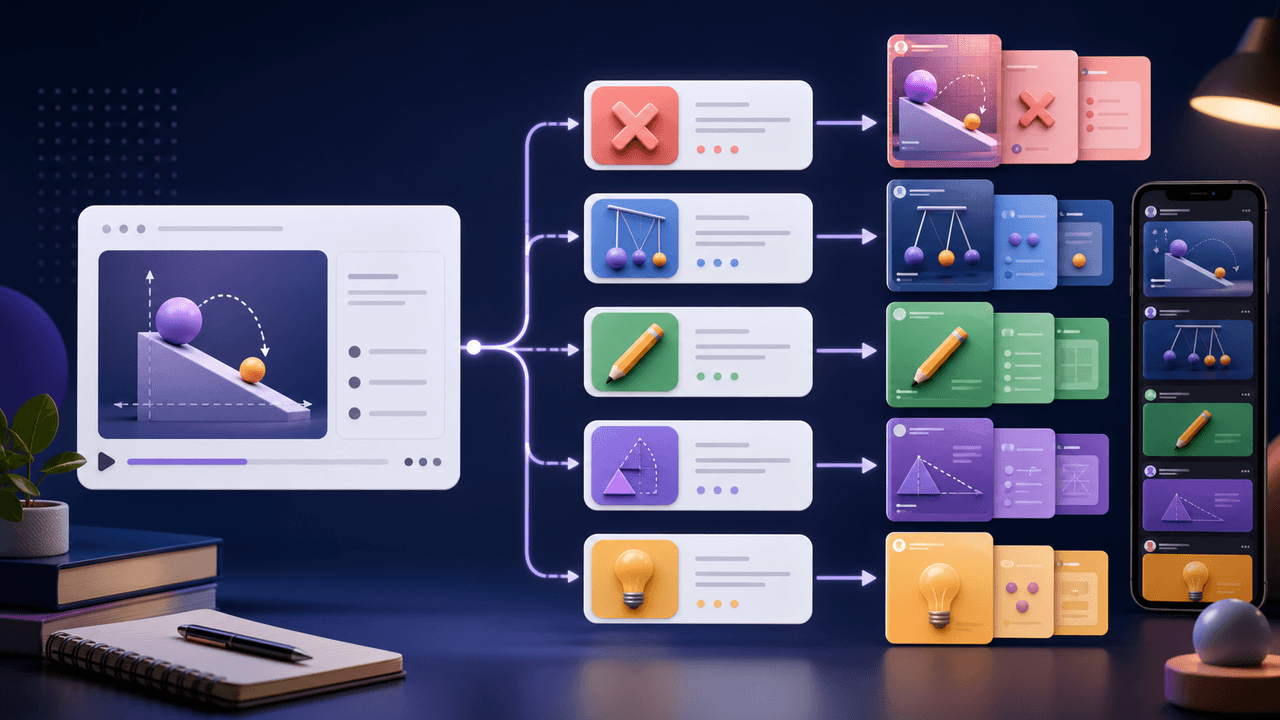
How to Turn One Course Lesson Into Social Posts That Still Teach
One course lesson can become a full social content cluster when you extract the learning objective, misconception, demonstration, practice prompt, and transformation proof instead of summarizing the lesson.

Turn coach-owned source material into useful carousel briefs
A practical workflow for turning coach-owned long-form material into standalone carousel briefs without inventing a guaranteed output count or exposing client information.
Sources
- Design Specifications for Carousel Ads — Meta Business Help Center
- Learn About Posts — YouTube Help
- What Is a Lead Magnet? Ideas and Examples — Mailchimp
- Creating Helpful, Reliable, People-First Content — Google Search Central
- URL Builders: Collect Campaign Data With Custom URLs — Google Analytics Help
Written by
AttentionClaw
Editorial Team
Editorial context
Part of the Repurposing topic cluster. Last updated June 22, 2026.