Chapter 1
The direct answer: match every social angle to its store-page angle
Use App Store custom product pages or Google Play custom store listings when your social campaign promotes a specific app use case, audience, feature, season, or launch offer. The custom page should repeat the social hook, show screenshots for the same workflow, use promotional text that answers the same intent, and deep link to the relevant first in-app destination when that is available.
This matters because app marketing often breaks at the handoff. A TikTok slideshow promises a 30-day launch calendar, but the default App Store page opens with generic productivity screenshots. An Instagram carousel teaches onboarding education, but the store listing shows unrelated dashboard screens. The viewer has to rebuild the connection, and many will not.
Apple says custom product pages can highlight specific app features or content, use unique URLs, and vary screenshots, promotional text, and app previews. Google Play similarly supports custom store listings that can show relevant features depending on where users arrived from. Social campaigns should use those tools to preserve message continuity.
Callout
Campaign rule
If the social post names a specific outcome, the app-store page should make that same outcome visible in the first screenshots.
Chapter 2
When a custom product page is worth creating
Do not create a custom page for every post. Create one when the campaign has a distinct intent that the default listing does not satisfy. Good candidates include persona campaigns, feature-launch campaigns, seasonal campaigns, creator collaborations, paid social ad groups, and waitlist or pre-registration angles.
For a vibe-coded app or AI app, the strongest use cases are usually first workflow, trust, and persona fit. A founder-focused social campaign might need screenshots about launch content. A creator-focused campaign might need visual consistency screenshots. A SaaS team campaign might need approval workflow screenshots. The same app can support all three, but one default listing rarely explains them equally well.
A custom page also gives measurement cleaner boundaries. Apple App Analytics can compare custom product page performance against the default page, while Google Play custom store listings can map different assets to campaign or user segments. That does not replace product analytics, but it helps you learn which message creates higher-quality installs.
Use a custom page for campaign-specific features, not minor caption variants.
Use one when the first three screenshots need to change for the audience.
Use one when paid social creative would otherwise land on a generic listing.
Use one for pre-registration or launch campaigns where the promise is narrow.
Avoid creating many pages without a naming and measurement system.
Chapter 3
Map social promise, store assets, and first session
Campaign continuity has three layers: the social promise, the store-page proof, and the first in-app session. The social promise earns the tap. The store page proves that the app really supports that promise. The first session helps the user complete the action they came for.
Apple supports deep links for custom product pages on newer OS versions, and Google Play custom listings can align listing assets to campaigns and URLs. Even when deep links are not available, the first onboarding screen and post-install message should continue the same path. If someone installed from a 'SaaS demo carousel generator' campaign, the first session should not start with a generic blank dashboard.
Write the map in one line before creating assets: 'TikTok slideshow about app launch calendars leads to App Store page showing launch calendar screenshots, then opens first-run flow for creating the first launch calendar.' If that sentence is unclear, the campaign is not ready.
- 1
Social promise
Write the exact outcome or use case the post promises. Example: 'Create a month of launch carousels before Product Hunt day.'
- 2
Store-page proof
Choose screenshots, preview frames, and promotional text that prove the same use case.
- 3
First-session path
Plan the in-app destination, template, sample project, or onboarding step that lets the user act immediately.
- 4
Measurement
Track impressions, taps, downloads, conversion rate, retention, and completion of the campaign-specific first action.
Chapter 4
Screenshot strategy for social-to-store continuity
The screenshots on a custom page should look like a continuation of the social asset, but they should not be a pasted copy of it. Social posts can use bigger hooks, shorter claims, and more narrative framing. Store screenshots need to communicate product value quickly and accurately inside platform rules.
Apple's product page guidance says screenshots should visually communicate the app's user experience and focus on main benefits or features. That is the standard. If a social campaign promises onboarding education, use screenshots that show tutorial generation, review, and scheduling. If it promises AI product image consistency, show reference setup, generation, and review rather than a generic gallery.
For Google Play, custom store listings can customize descriptions and graphic assets. Use that flexibility to keep messaging consistent from Google Ads, TikTok, Instagram, or direct campaign URLs. The copy should not become keyword stuffing. It should simply answer the same buyer question the social ad raised.
Screenshot 1: repeat the campaign outcome in product terms.
Screenshot 2: show the first workflow step.
Screenshot 3: show the output or completed state.
Screenshot 4: show control, review, or trust.
Screenshot 5: show the persona or use case if the campaign is audience-specific.
Chapter 6
Measure store-page fit, not only downloads
Downloads are not enough. A custom product page can raise installs but attract the wrong users if the social promise overreaches. Measure the full chain: social engagement, store-page conversion, download quality, onboarding completion, retention, and paid conversion where relevant.
Apple notes that App Analytics can show product page impressions, downloads, redownloads, conversion rates, retention, and proceeds for custom product pages. Google Play offers acquisition reporting and listing experiments around store listings. Use these platform metrics with your own activation metrics so you know whether the message brings the right user.
The most useful question is: do users from this social campaign complete the first promised workflow at a higher rate than default traffic? If yes, the campaign is aligned. If downloads are high but activation is weak, the social creative may be overselling or the store page may be attracting curiosity without readiness.
- 1
Platform metrics
Track impressions, tap-through, conversion rate, downloads, retention, and campaign-level listing results.
- 2
Product metrics
Track the first action connected to the campaign: project created, account connected, calendar generated, image reviewed, or content scheduled.
- 3
Quality review
Read comments, reviews, and support questions from campaign users to detect expectation mismatch.
Chapter 7
How AttentionClaw helps create matching social and store assets
AttentionClaw can help app teams create the social side of the campaign and the asset logic for the store side. Start with one campaign brief: persona, promise, screenshots needed, post formats, and CTA path. Then generate the TikTok slideshow, Instagram carousel, and store screenshot narrative from the same source material.
This reduces the risk that each channel tells a different story. The social post, the store screenshots, and the first onboarding tutorial can share the same visual language and message order while still respecting each platform's constraints.
For small teams, the benefit is focus. Instead of producing random launch posts, you build a campaign package: social sequence, custom product page brief, first-session tutorial, and measurement plan.
Callout
Practical CTA
Use AttentionClaw to turn one app campaign promise into a coordinated set of TikTok slideshows, Instagram carousels, and store screenshot briefs.
Next step
Create social campaigns that match your app-store story
AttentionClaw helps app teams turn one campaign promise into consistent TikTok slideshows, Instagram carousels, and store screenshot briefs.
Common Questions
FAQ
More Reading
Keep reading
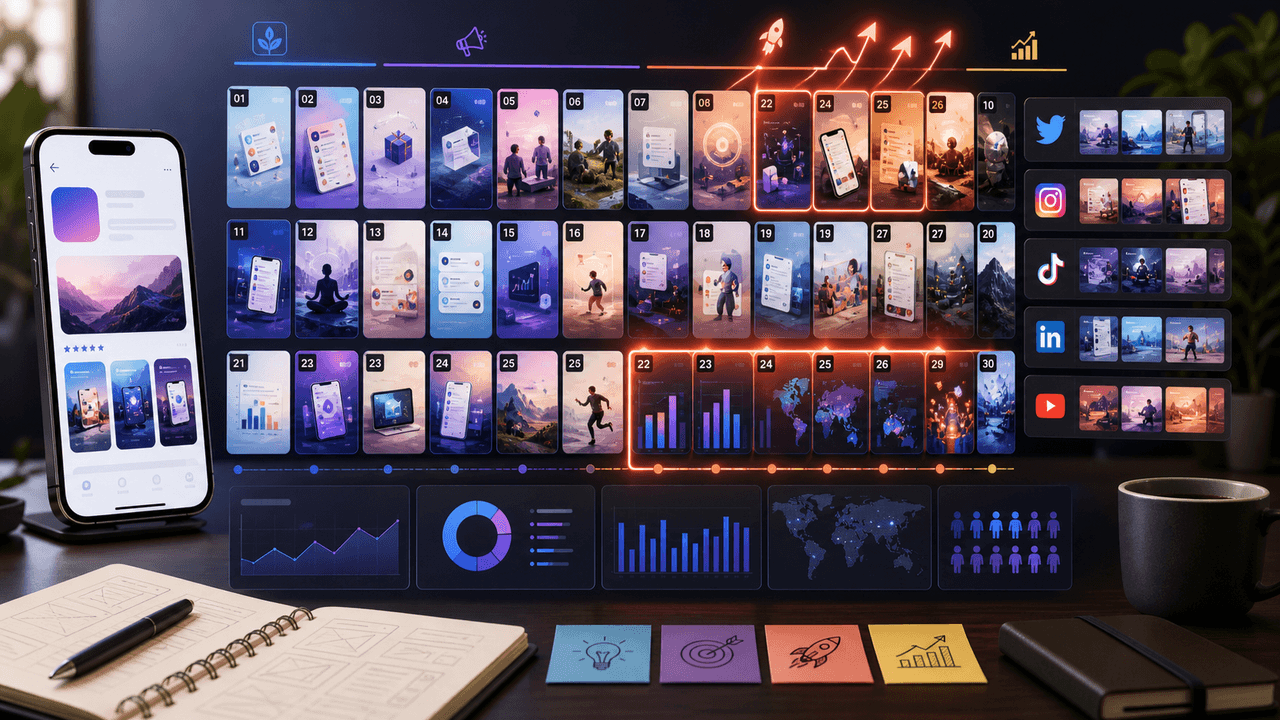
The 30-Day App Launch Carousel Campaign: Day-by-Day Plan
Most app launches fail on social media because teams post randomly instead of following a structured campaign arc. This 30-day plan maps every carousel you need — from pre-launch hype through launch week to sustained post-launch growth.
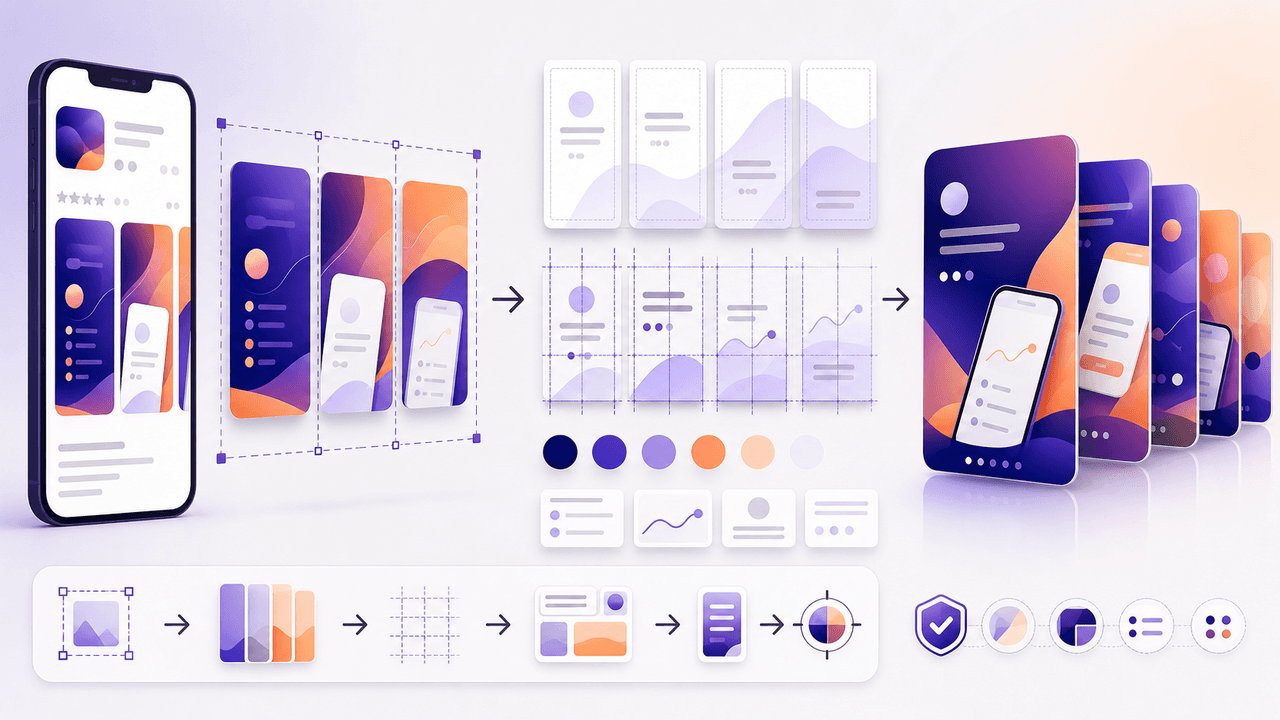
Turn Your App Store Screenshots Into Instagram Carousels
You already have polished app screenshots sitting in your App Store listing. Repurposing them into Instagram carousels takes a fraction of the time of creating from scratch, and the visual consistency between your store listing and social content reinforces brand trust.
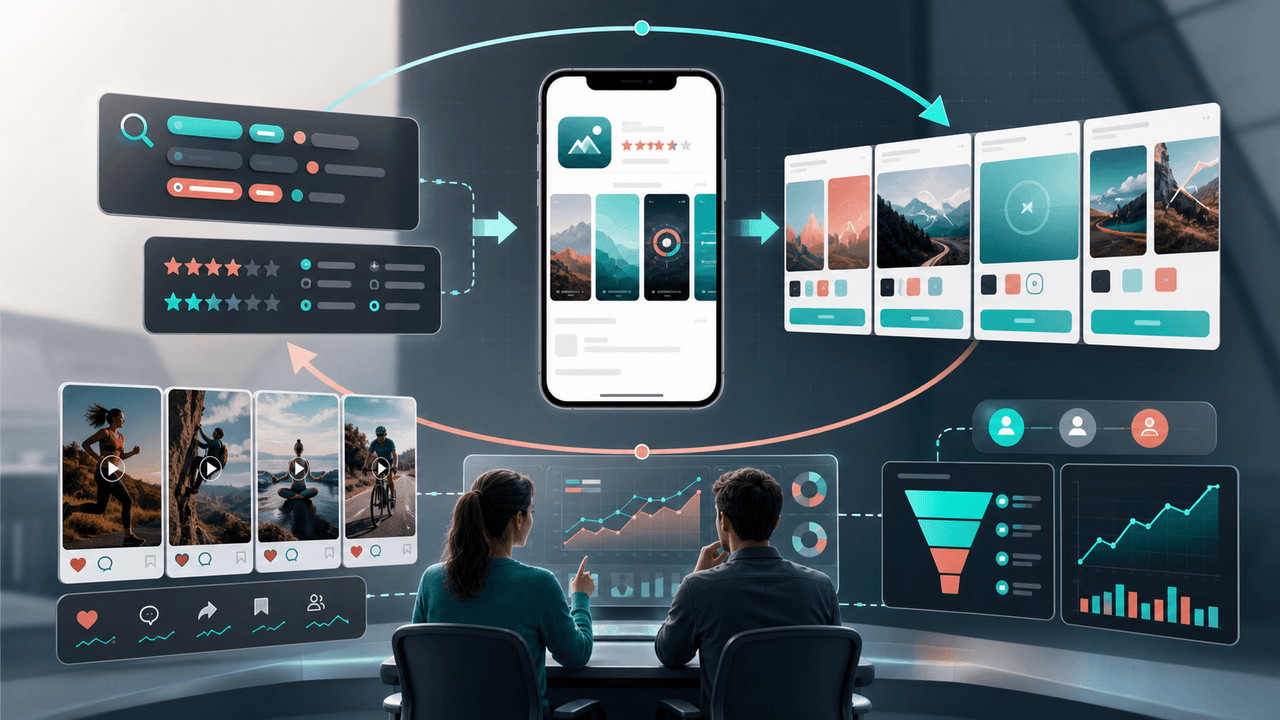
Connect ASO and Social Without Inventing a Ranking Effect
ASO and social media work together when they explain the same current product to the same audience, not when social posts are treated as a ranking shortcut. Align the message and proof, send the click to a matching store destination, and evaluate social and store outcomes in their own reporting systems.
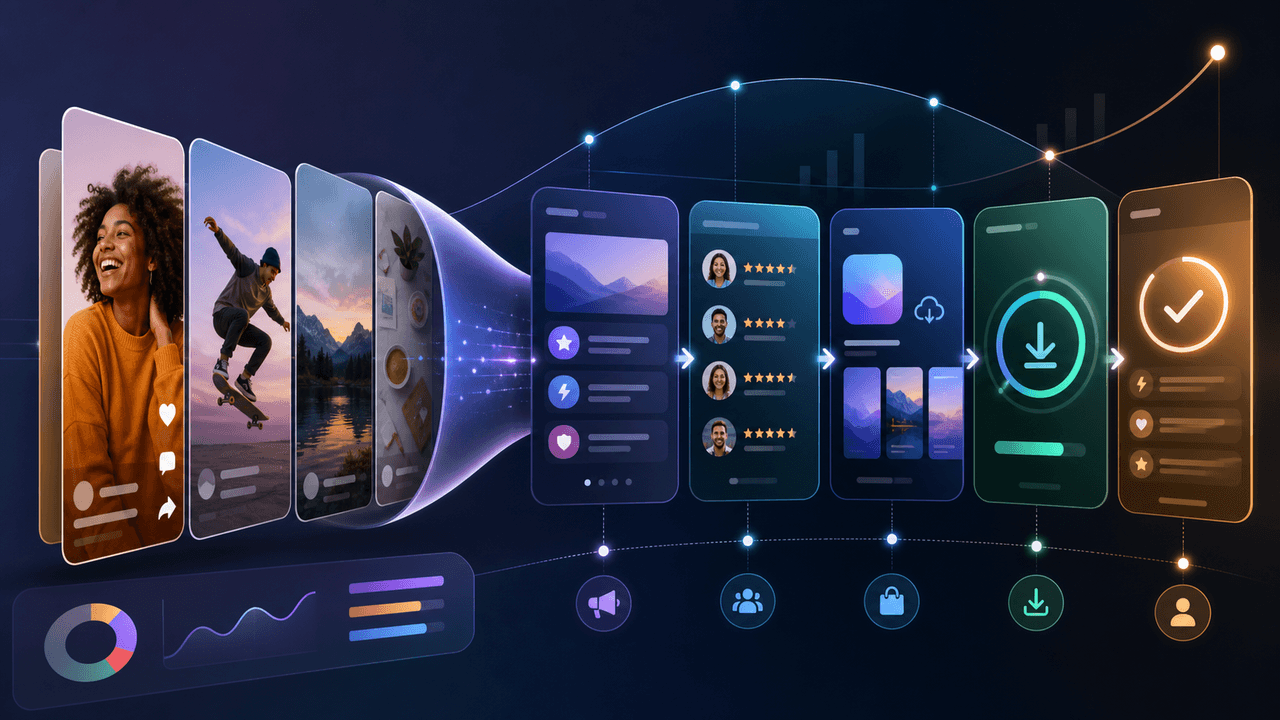
Build a Social-Media App Download Funnel You Can Measure
A social-to-download funnel is a measurement model, not a promise that followers move through fixed stages. Connect each asset to one relevant destination and campaign identifier, then interpret platform, store, and product events within their documented attribution limits.
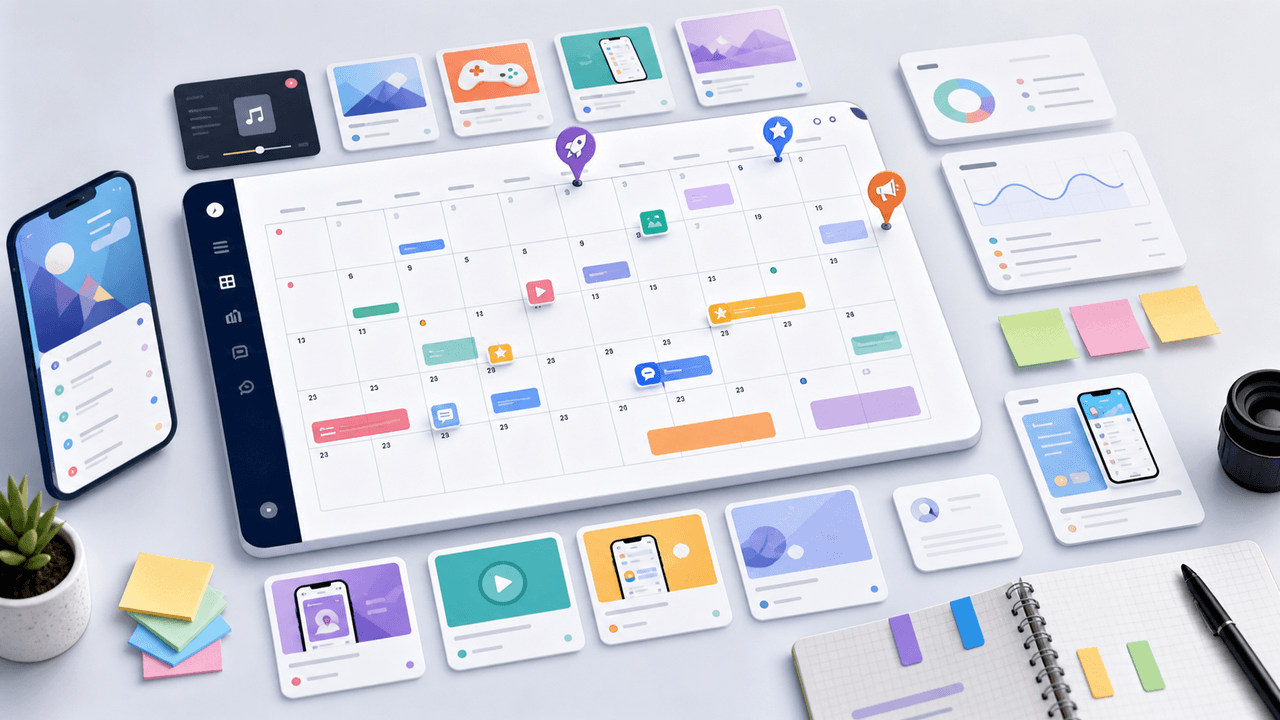
The App Marketing Content Calendar: 30 Days of Carousel Ideas
Most app marketers stall because they run out of content ideas by week two. This 30-day calendar gives you a ready-made posting plan with specific carousel topics for every single day.

A 12-Week Instagram Strategy That Produces Evidence
An Instagram strategy for an app developer should connect useful, evidence-backed posts to a matching store or product destination and preserve the identifiers needed to inspect what happened. This 12-week plan is built to learn which audience problem and proof deserve another iteration, not to promise a follower or download target.
8-chapter read
Landing Page Handoff for Paid Social Creative
A paid social landing-page handoff works when the page continues the same promise, product, proof, and offer that earned the click. The ad should not send people to a generic page and force them to restart the buying decision.
8-chapter read
Social Content SEO and AI Search Visibility Playbook
Social content can support SEO and AI search visibility when teams turn repeat social questions into source-backed articles, structured answers, FAQs, internal links, and reusable lead magnets. The goal is not to make every post rank; it is to build a content system where social evidence feeds durable search pages.
Sources
- Custom Product Pages on the App Store — Apple Developer
- Creating Your Product Page — Apple Developer
- Custom store listings — Google Play Console
- Create custom store listings to target specific user segments — Google Play Console Help
- A B2B Marketer's Guide to Every LinkedIn Ad Type — LinkedIn Marketing Solutions
Written by
AttentionClaw
Editorial Team
Editorial context
Part of the App Marketing topic cluster. Last updated June 22, 2026.
Chapter 5
Which social formats deserve dedicated store pages
Not every format needs a custom store path, but some do. TikTok slideshows often work around one visible workflow, so they are strong candidates. Instagram carousels can educate deeply enough to create a specific intent. LinkedIn carousels for SaaS buyers may deserve a B2B-focused page if the default app listing is consumer-oriented.
LinkedIn's carousel ad guidance emphasizes narrative structure and a final card with clear next steps. That same logic should extend to the app-store destination. If the final card says 'build your first client launch calendar,' the store page should not talk first about unrelated creator features.
For organic posts, start with the strongest recurring angles rather than every single post. If three or more posts in a campaign point to the same use case, build one matching custom page and reuse it across the series.
TikTok slideshow campaign: create a page for the exact workflow being demonstrated.
Instagram carousel education series: create a page for the pillar use case.
LinkedIn SaaS campaign: create a page for B2B screenshots, proof, and trial intent.
Influencer collaboration: create a page that matches the creator's audience and example.
Seasonal app campaign: create a page for the seasonal screenshots and limited-time message.