Chapter 1
The direct answer: make safety and logistics part of the booking
A boat rental safety checklist carousel should explain what renters need to know before booking: operator requirements, life jackets, weather policy, route or boundary limits, arrival time, fuel, deposit, and what to bring.
U.S. Coast Guard boating safety resources and state boating agencies emphasize life jackets, sober operation, float plans, and local safety rules. Boat rental content should support those basics while routing specific requirements to the rental operator.
The post should not imply renters can ignore local laws, weather restrictions, age requirements, or operator policies.
Callout
Boat rental content rule
Sell the day on the water, but make safety, eligibility, and route rules explicit before booking.
Chapter 2
Build carousels around renter questions
Renters ask what to bring, whether they need a boating license, how weather cancellations work, where they can go, whether pets are allowed, how fuel works, and what safety gear is included.
Each carousel should answer one question. A weather policy post should not also become a full lake map and pricing page.
Use real dock, boat, route, life jacket, cooler, and arrival photos. Avoid showing customer IDs, payment details, children, or private group moments without permission.
What to bring on rental day.
Life jacket and safety gear overview.
Weather and cancellation policy explainer.
Route limits and no-go zones.
Arrival and dock check-in steps.
Fuel and deposit questions.
Pet and child passenger policies.
What renters should ask before booking.
Chapter 3
Use an eight-slide rental checklist carousel
This structure converts trip interest into a safer, better-prepared booking.
Review local law, insurance, weather, passenger, and safety language before publication.
- 1
Slide 1: trip hook
Open with the rental day promise.
- 2
Slide 2: eligibility
Mention operator, age, ID, or local requirement review.
- 3
Slide 3: safety gear
Explain life jackets and safety briefing generally.
- 4
Slide 4: weather
Explain weather check and rescheduling policy in reviewed language.
- 5
Slide 5: route
Show route boundaries, no-go zones, or marina instructions.
- 6
Slide 6: what to bring
List sunscreen, water, towels, food rules, and valid documents.
- 7
Slide 7: check-in
Show arrival time, parking, dock, and briefing steps.
- 8
Slide 8: CTA
Book a rental, save the checklist, or ask about availability.
Chapter 4
Use fun visuals without hiding rules
Boat rental content should be appealing, but safety and eligibility need equal clarity.
Avoid showing alcohol-forward imagery, unsafe passenger behavior, missing life jackets, or operation that violates local policy.
Customer group photos require permission and privacy review.
No unsafe operation imagery.
No unclear life jacket messaging.
No customer ID or payment details.
Weather and route claims reviewed.
Clear booking CTA.
Chapter 5
How AttentionClaw helps boat rental teams package booking content
AttentionClaw helps boat rental companies turn safety briefings, route maps, dock photos, and booking FAQs into Instagram carousels and TikTok slideshows.
Templates can cover safety checklists, weather policy, route boundaries, family trips, sunset rentals, and what-to-bring posts.
Callout
Boat rental workflow
Choose rental question, add safety and policy details, select approved visuals, generate carousel, publish with booking CTA.
Chapter 6
Measure prepared arrivals and booking confidence
Track booking clicks, checklist saves, weather questions, late-arrival issues, and whether renters arrive with required documents.
If rental-day check-in gets smoother, the content is working.
Track boat rental bookings.
Track saves on safety checklists.
Track weather policy questions.
Track late or unprepared arrivals.
Track route and safety briefing questions.
Chapter 7
A Decision Framework for Go / No-Go Conditions
One of the highest-value things a boat rental carousel can do is give renters a simple framework for deciding whether conditions are right to depart. Many incidents happen not because renters are reckless but because they did not know what to look for. A go / no-go slide breaks the decision into four categories: weather, operator readiness, equipment, and route.
Weather: check the marine forecast, not just the general weather app. If wind exceeds the rental company's stated limit, or if a storm is within a few hours, the answer is no-go. Operator readiness: every person on the boat should know where the life jackets are, where the fire extinguisher is, and who holds the operator certification for that rental. Equipment: walk through the pre-departure checklist the rental company provides — missing flares, a dead bilge pump, or a low fuel gauge are each a reason to pause before leaving the dock. Route: confirm the permitted area before casting off. If anyone in the group is unsure of the boundaries, review the map at the dock rather than at the boundary.
This framework works as a single carousel slide or as a quick reference card in your booking confirmation. The goal is not to scare renters off the water — it is to give them the vocabulary to make a confident, informed decision on departure day.
Callout
Keep it visual
A simple four-quadrant graphic — Weather / Operator / Equipment / Route — with a green or red dot in each quadrant is more scannable than a text list. Renters will remember the shape of the decision even if they forget the words.
Chapter 8
A Practical Packing Checklist for First-Time Renters
First-time renters almost always under-prepare on gear and over-prepare on alcohol. A packing checklist carousel slide corrects both issues without lecturing. Divide the list into three short columns: safety basics the rental company provides (life jackets, fire extinguisher, anchor), items the renter must bring (sunscreen, water, closed-toe shoes for boarding, a charged phone in a waterproof case), and items that improve the trip but are optional (dry bag for electronics, light jacket for afternoon wind, snacks in a sealed container).
The closed-toe shoes note is worth its own brief sentence on the slide. Many first-time renters show up in flip-flops or bare feet and struggle to board safely. A quick tip that says 'wear shoes you can get wet — flat soles help on a wet deck' is practical and lowers arrival friction. Sunscreen and water are similarly underrated: a two-hour trip on open water is far more sun exposure than most renters expect.
A packing slide that is honest about what the company does and does not supply also builds trust. Renters who arrive prepared have better trips, leave better reviews, and are more likely to rebook. The checklist does double duty as guest education and brand credibility.
- 1
Safety gear (provided by the rental company)
Life jackets sized to your group, fire extinguisher, sound device, navigation lights for evening rentals. Confirm at check-in.
- 2
What to bring yourself
Sunscreen, drinking water (more than you think), flat-soled shoes, photo ID matching your reservation, and a charged phone in a waterproof case or bag.
- 3
Optional but useful
Dry bag for cameras and wallets, light jacket or windbreaker, non-glass reusable water bottles, seasickness medication if you are prone.
Chapter 9
When to Post and How to Build a Seasonal Carousel Series
A single safety checklist carousel is useful. A short content series tied to the rental season converts more bookings. Boat rental demand has clear peaks — Memorial Day weekend, summer school break, Labor Day — and a series of three posts in the three weeks before each peak gives renters enough time to read, save, and book before their preferred dates fill.
Post one introduces the season: what is available, what the booking window looks like, and a single compelling image of the experience. Post two covers the safety checklist and operator requirements — this is the educational anchor that builds trust. Post three handles logistics: what to bring, where to park, what to expect at check-in, and a direct booking CTA. This sequence gives a first-time follower enough context to go from curious to booked in one scroll session.
Off-peak content keeps the account active without cannibalizing prime-season attention. A 'how to read a marine forecast' post in March, or an 'end of season gear storage' post in October, builds an audience of engaged boaters who return next season with the rental company already in mind.
Next step
Turn boat rental questions into safety-ready carousels
AttentionClaw helps boat rental teams package safety checklists, route rules, and booking CTAs into Instagram carousels and TikTok slideshows.
Common Questions
FAQ
More Reading
Keep reading
11-chapter read
Honeymoon Travel Advisor Instagram Carousels
Honeymoon travel advisor carousels should help couples compare destinations, timing, passports, travel advisories, health preparation, budget, and consultation CTAs without promising risk-free travel.
9-chapter read
Deck Contractor Safety Estimate Carousels: Help Homeowners Spot When to Call
Deck contractor safety estimate carousels should help homeowners document visible concerns, understand when to call a professional, and book an inspection or estimate without DIY structural advice.
8-chapter read
Carousel Slide Order That Converts: Hook, Proof, Offer, CTA
A converting carousel usually follows a clear order: hook, context, problem, solution or product, proof, objection handling, offer, and CTA. The exact slide count can change, but the reader should never wonder why the next slide exists.
8-chapter read
Home Services Seasonal Maintenance Content Calendar: Book Preventive Work
Seasonal maintenance content helps home service companies book preventive work before emergencies happen. Use weather-aware checklists, HVAC filter reminders, water and mold prevention posts, storm prep, and local booking CTAs to turn useful education into service demand.
8-chapter read
Home Services TikTok Slideshow Ideas: Local Posts for Contractors and Repair Pros
Home service businesses can use TikTok slideshows to show before-and-after proof, explain maintenance, answer emergency questions, spotlight local jobs, and turn field photos into useful content. The best posts are specific, visual, local, and tied to a clear call-to-book.
5-chapter read
40 TikTok Slideshow Ideas for Local Service Businesses
Local service businesses should use TikTok slideshows to answer the practical questions customers ask before booking: what the service solves, what it costs, what the process looks like, what results are realistic, and why this local provider is trustworthy.
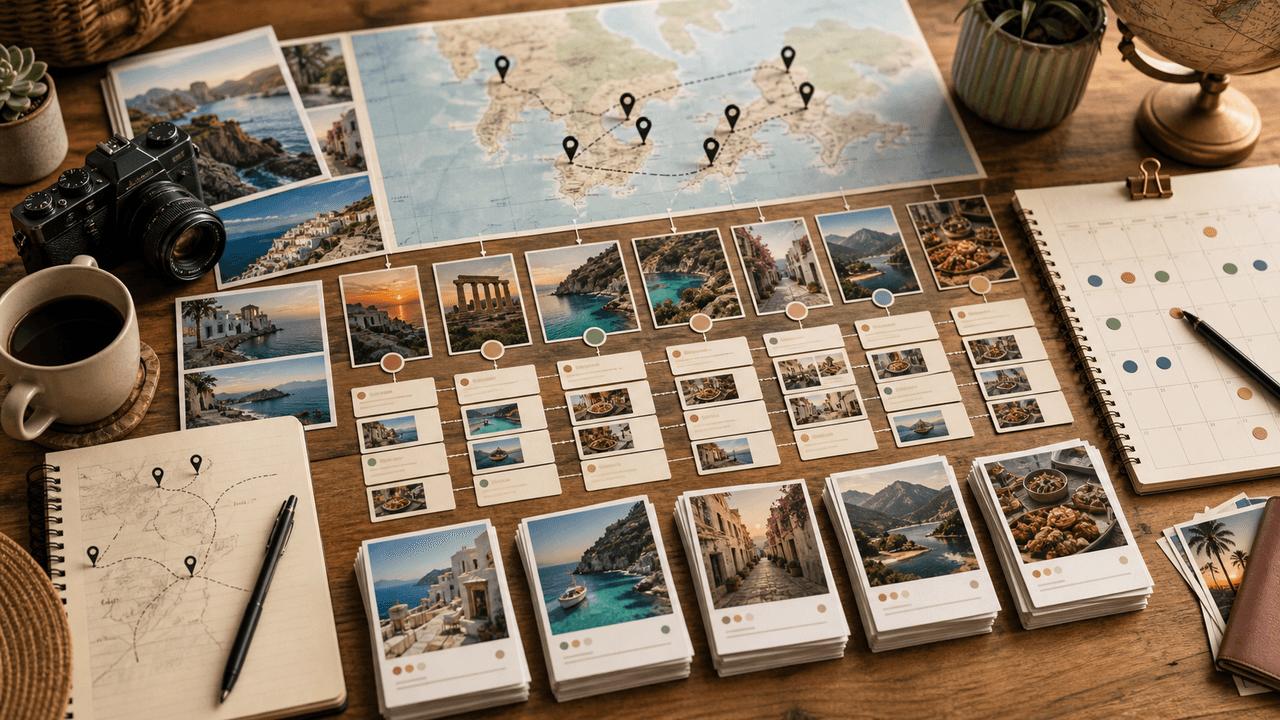
Travel Content Carousel System: Turn Every Trip Into 30 Instagram Posts
Most travel creators come home from a trip with hundreds of photos and post five of them. A content repurposing system turns every trip into 30 or more carousels covering itineraries, tips, photo essays, and guides — extending the content value of each journey for weeks.

Local Business Instagram Carousels: Drive Foot Traffic Without Paid Ads
Local businesses do not need viral content. They need carousels that reach the right 5,000 people within a ten-mile radius. A local carousel strategy turns your expertise, your team, and your community presence into foot traffic without spending a dollar on ads.
Sources
- Boating Safety — U.S. Coast Guard Boating Safety Division
- Life Jacket Wear / Wearing Your Life Jacket — U.S. Coast Guard Boating Safety Division
- About Carousel Ads — Meta Business Help Center
- FTC's Endorsement Guides: What People Are Asking — Federal Trade Commission
Written by
AttentionClaw
Editorial Team
Editorial context
Part of the Carousel Creation topic cluster. Last updated June 22, 2026.